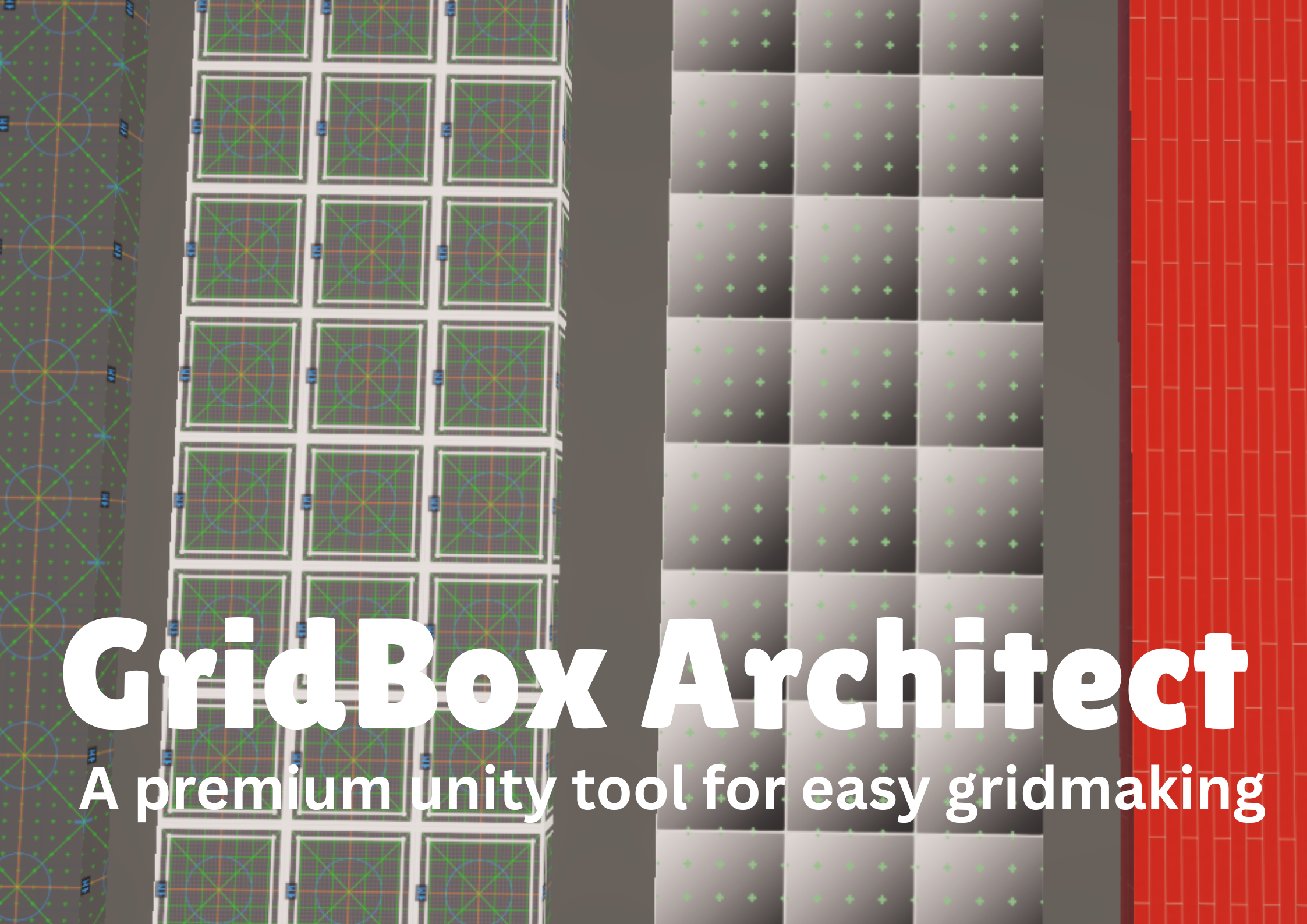
GridBox Architect
A downloadable tool
The only unity grid tool you will ever need!!
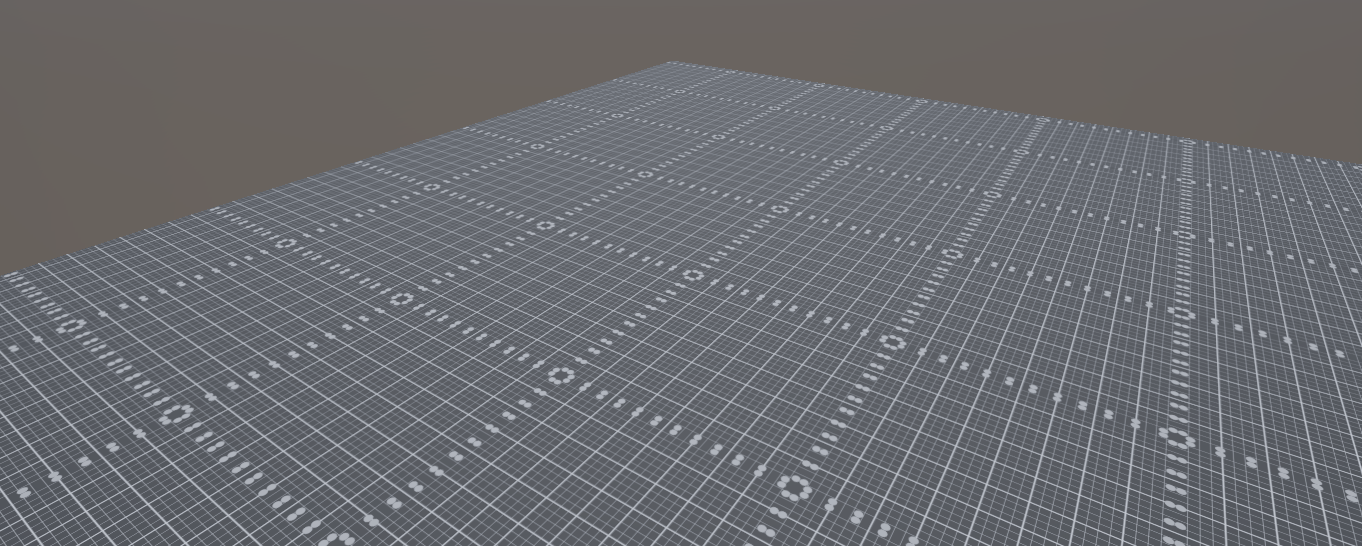
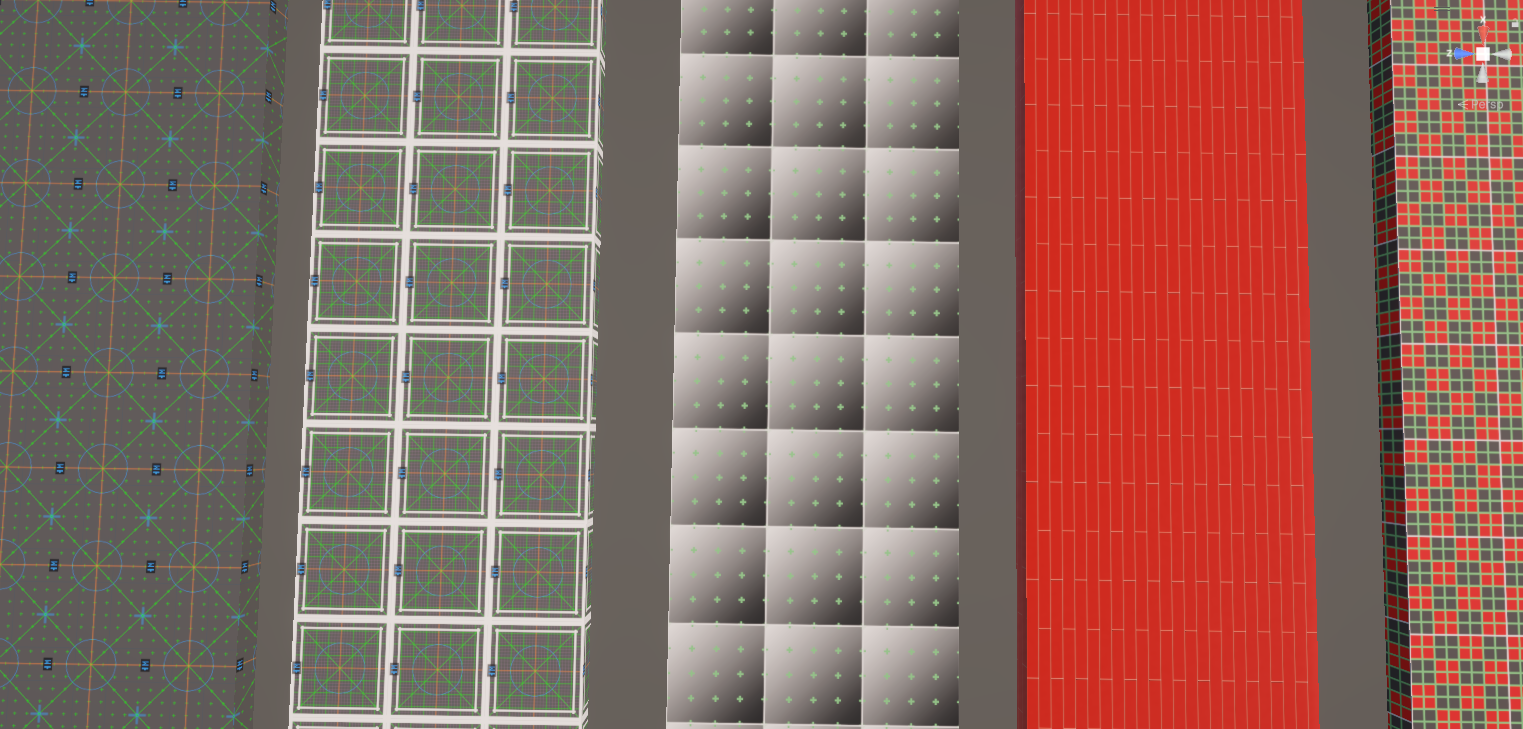
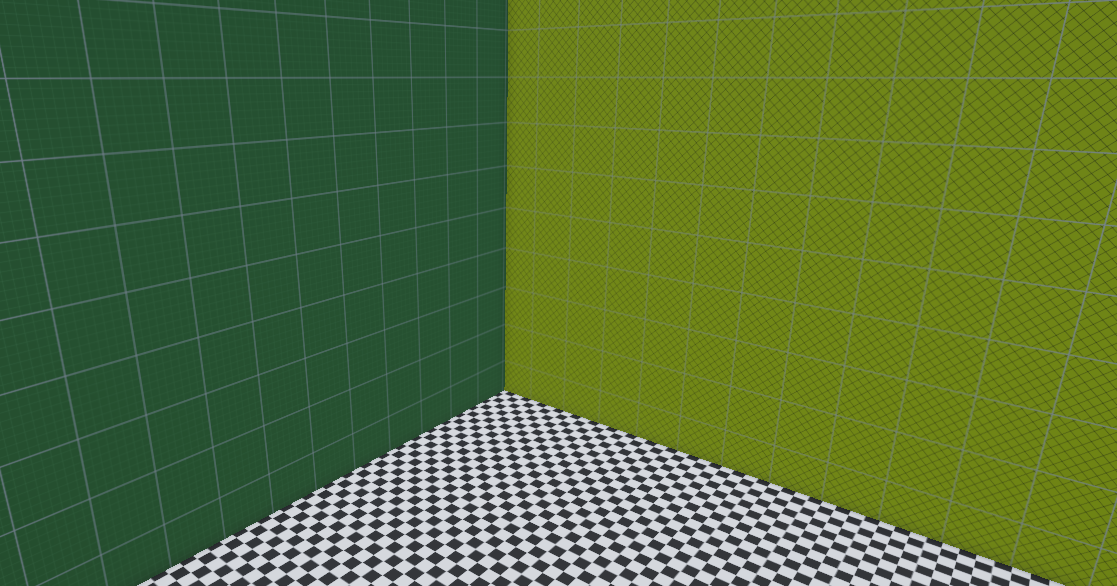
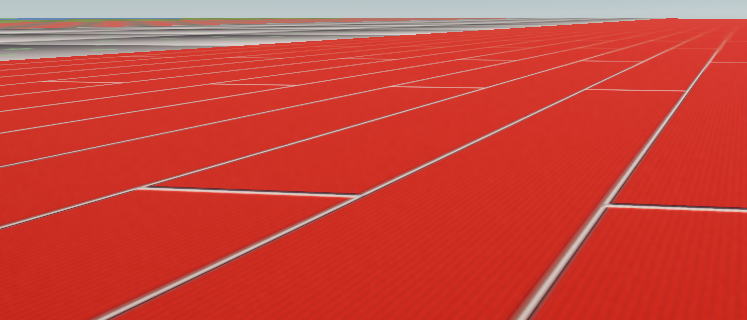
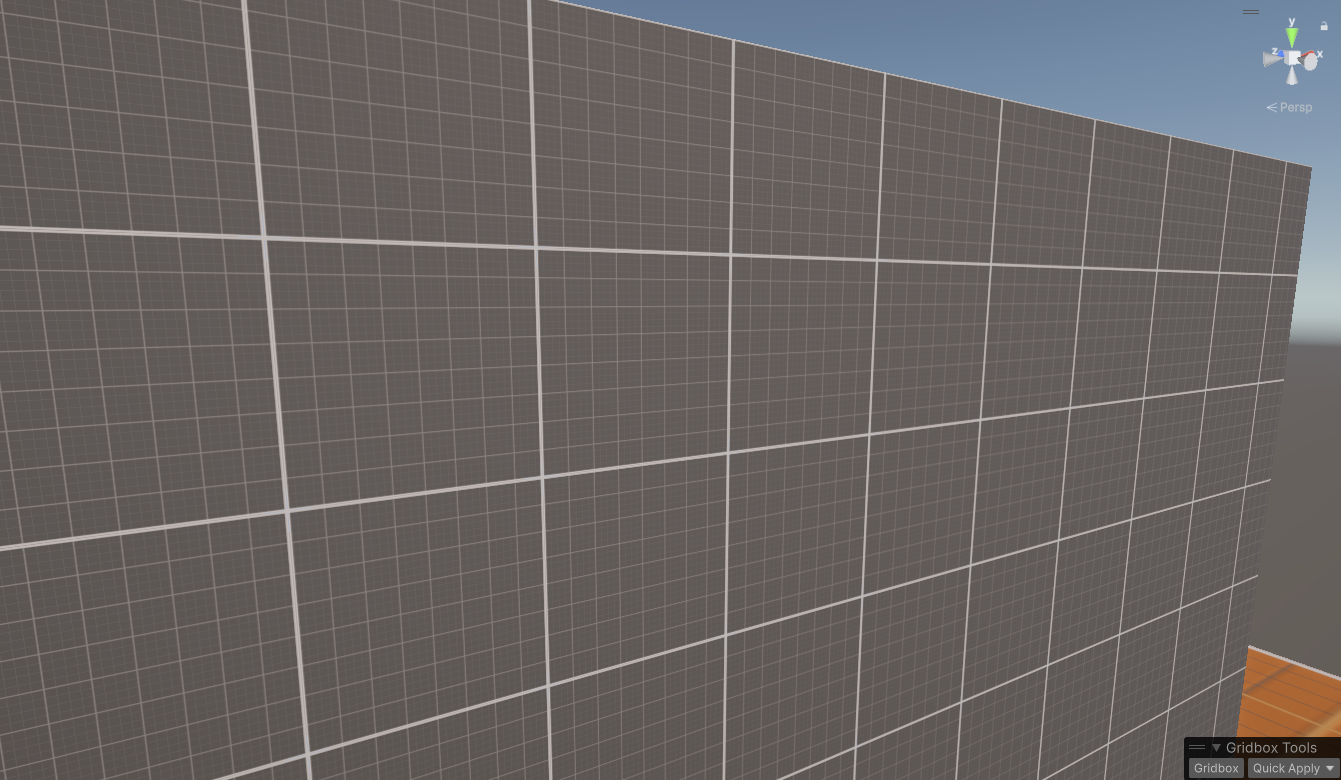
This tool aims to help designers and game developers easily setup good looking grided scenes with almost anything they could need crammed into a tool and it works exeptionally well with Probuilder.
Overview
- Procedural grid texture generator for Unity Editor
- Create, preview, export and apply grid textures and materials
- Supports editor-only usage (Editor folder)
- Preset system with save/load/delete
- Batch material generation and apply to multiple objects
- Compatible with built-in, URP and HDRP shaders (auto-shader selection)
UI
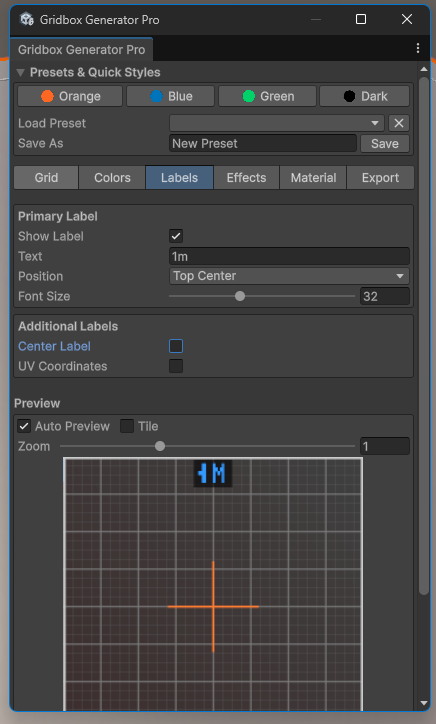
- Tabbed interface: Grid, Colors, Labels, Effects, Material, Export
- Live preview with zoom and tiling
- Auto-refresh toggle (auto preview) and manual refresh
- Save/load presets and quick preset buttons
Grid Patterns
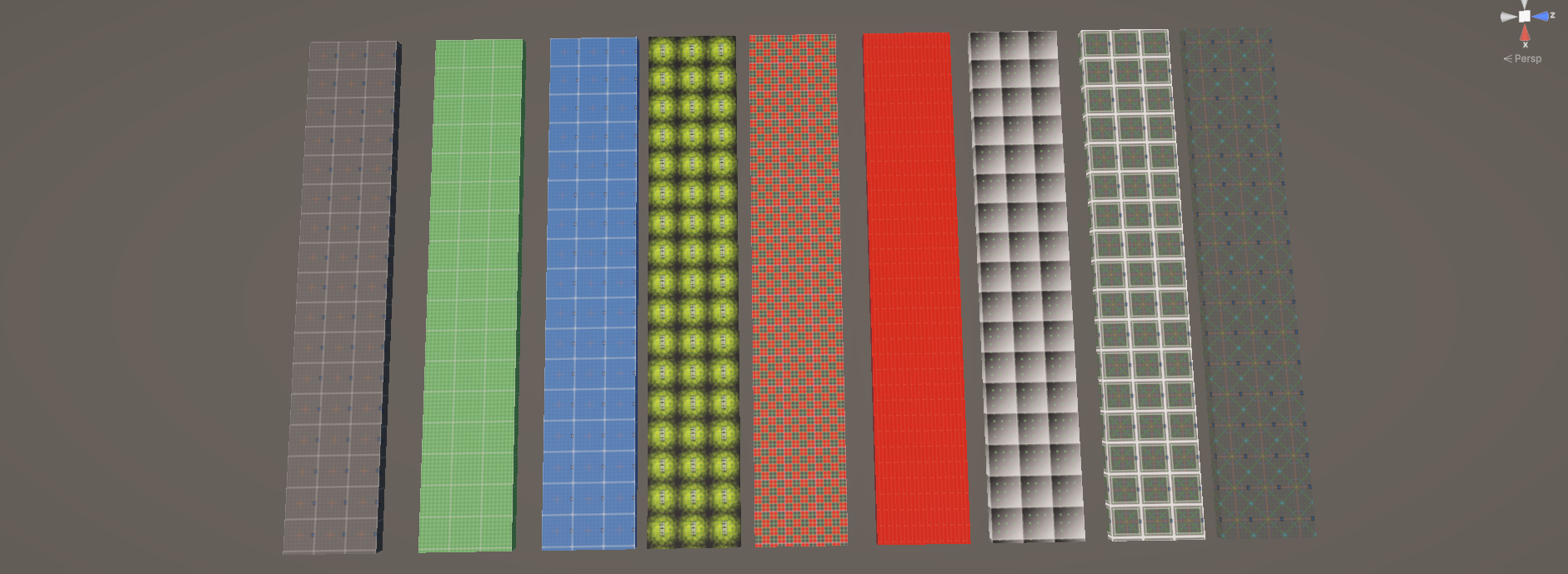
- Standard square grid (primary + optional secondary/subdivisions)
- Dashed grid
- Dotted grid (configurable spacing & dot size)
- Hexagonal grid
- Isometric grid (angle adjustable)
- Crosshatch
- Triangular grid
- Diamond grid
- Brick (offset grid)
- Minimal/tick-style grid
Resolution & Sampling
- Resolution options: 64..4096 (configurable)
- Preview capped separately for UI performance
- Anti-aliasing option for smoother lines
Lines & Borders
- Configurable primary and secondary line thickness
- Border thickness, style (solid, dashed, double, dotted, rounded)
- Border radius support (where applicable)
- Center cross and center dot controls (size/thickness/color)
Background Types
- Solid color
- Gradient (vertical/horizontal/diagonal)
- Radial gradient
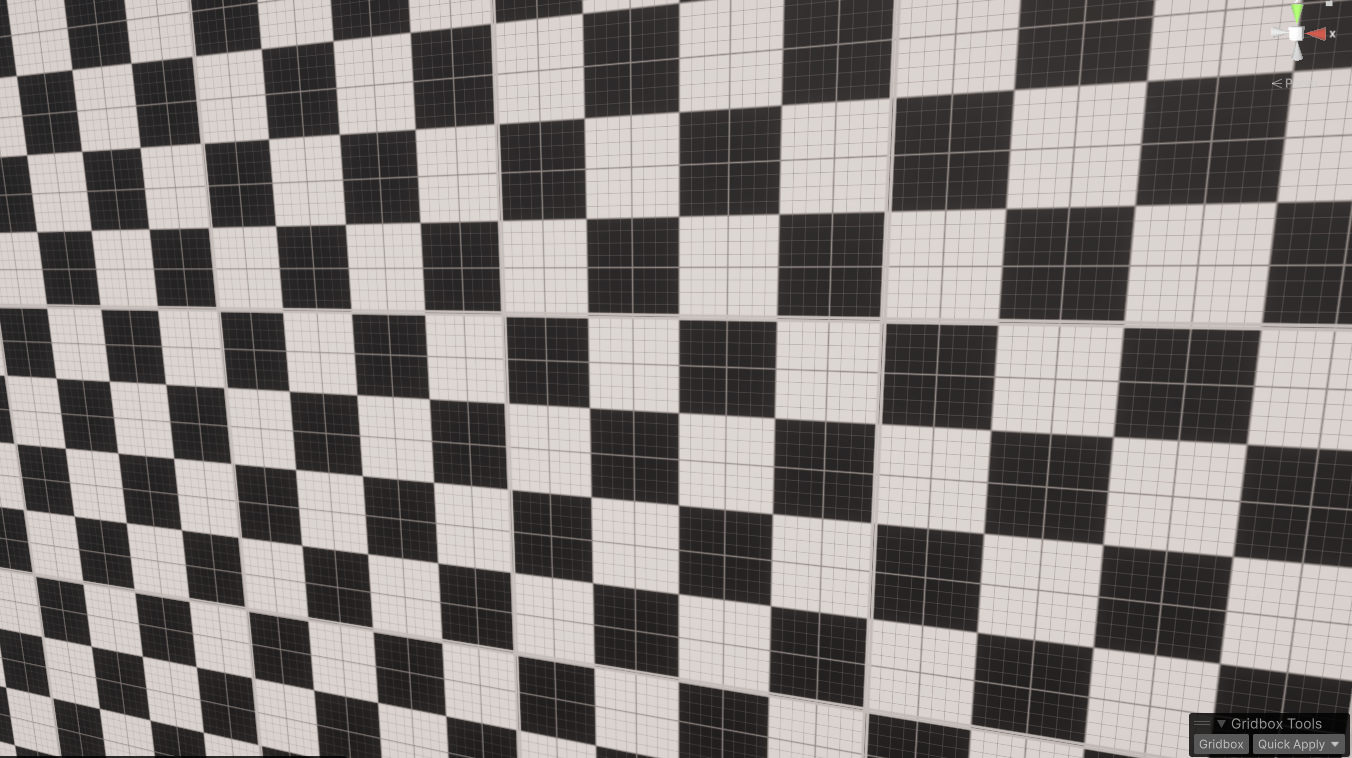
- Checker pattern (size)
- Corner blend (four-corner blend)
Guides & Overlays
- UV corner guides (small corner brackets with 0/1 markers)
- Diagonal lines and circle guide
- Rule of thirds and golden ratio guides
- Center cross and center dot
- Overlay patterns (stripes, dots, crosshatch, noise, circles)
Labels & Scale
- Primary label: text, size, position (top/bottom/center/left/right)
- Center label option
- Corner UV coordinate markers (0/0, 1/0, 0/1)
- Scale bar with unit and length
- Readable label background (semi-transparent) for contrast
- Configurable font sizing and spacing for clarity at different resolutions
Colors
- Full color pickers for:
- Background primary/secondary
- Primary and secondary grid lines
- Border and accent colors
- Center guide color
- Color tools: invert, lighten, darken
Effects
- Vignette (strength & radius)
- Perlin noise / grain (strength & scale)
- Wear/ageing (random localized desaturation)
- Scanlines (spacing & alpha)
- Pattern overlay (scale, alpha, rotation)
- Soft shadows / bevel options (visualized on texture)
Material Generation
- Create Material asset from generated texture
- Applies smoothness/glossiness and metallic values to compatible shaders
- Generate normal map from texture (configurable strength)
- Works with URP/HDRP/built-in shader fallbacks
- Option to assign material to selected objects
Batch & Quick Operations
- Batch apply (random color variations) to selected GameObjects
- Batch apply gradient variations across selection
- Context menu quick apply entries (GameObject > Gridbox)
- Scene overlay quick buttons (when supported) for open/quick apply
Presets & Sharing
- Save / load presets to JSON file in project (Editor/GridboxGenerator/Presets.json)
- EditorPrefs fallback for quick storage
- Preset collection includes grid, colors, labels, effects and export settings
- Copy/paste settings via clipboard (JSON) — can import/export preset text
Export
- Export texture to PNG
- Create material asset and save PNG texture into project automatically
- Export format options (PNG/JPG placeholder in enums)
Compatibility & Integration
- Works in Unity Editor (editor scripts placed in Editor folder)
- Automatically picks suitable shader for pipeline (URP, HDRP, Standard)
- Materials set via sharedMaterial for immediate scene preview
- UV guide helpers useful for aligning mesh UVs
Tips & Notes
- Use UV Coordinates toggle to verify mesh UV alignment: corners display 0/0 (bottom-left), 1/0 (bottom-right), 0/1 (top-left).
- For crisp lines at high resolutions, increase resolution rather than line thickness.
- When using URP/HDRP, generated materials will map to typical smoothness/metallic properties if shader supports them.
- Save presets before creating material assets to reproduce exact configurations.
- it is ideal to use the Unity pro-builder since it works well with tiling the grids
Purchase
In order to download this tool you must purchase it at or above the minimum price of $5 USD. You will get access to the following files:
Comments
Log in with itch.io to leave a comment.
Very good way of it's GUI and GRID! :D
yes thank you if you want to be able to view all these in one easy library use my material library